iPhone
Yaqin for iPhone
Manage your dhikrs, see your history and pair with your Apple Watch.
Coming soonApp Store
Requirements
- An iPhone with iOS 13 or later
- watchOS 26.5 or later for the Apple Watch app
- No account or internet connection required
Getting started
- 1Download Yaqin from the App Store.
- 2Open the app — you go straight to the home screen, no account needed.
- 3Pick your city for prayer times, or allow location access if you prefer.
- 4If you have a paired Apple Watch, install Yaqin from the Watch app; your settings carry over automatically.
What's on iPhone
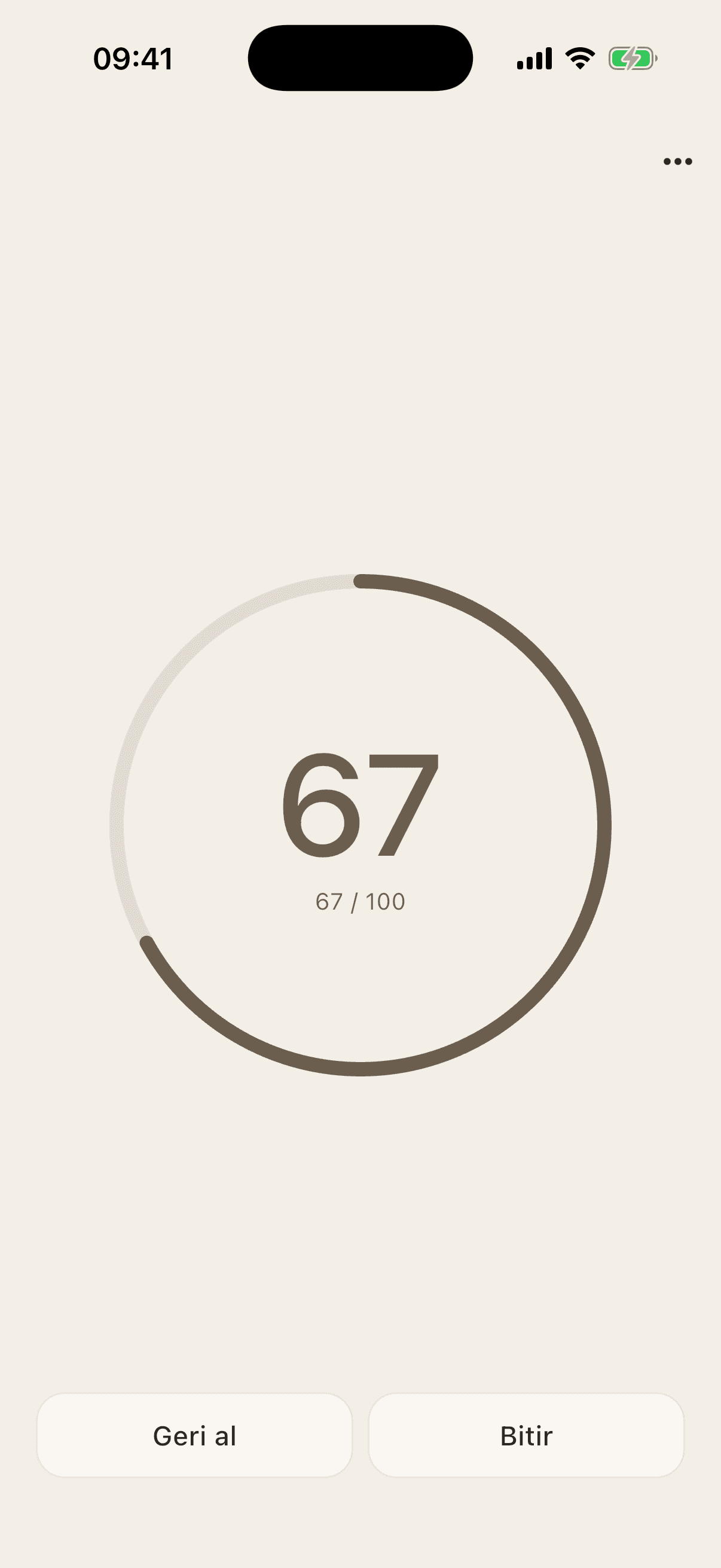
- Built-in and personal dhikrs, favorites, target counts
- Tasbih (33×3) and dhikr suggestions by intention
- Offline prayer times and prayer reminders
- Qibla compass and nearby mosques
- Daily progress and history
- Export / import your data as a file