
Smartwatch
Yaqin on your watch
Yaqin was designed for the watch first. Raise your wrist, tap, feel.
Apple Watch
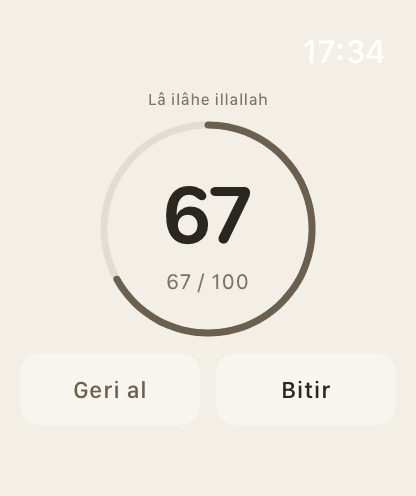
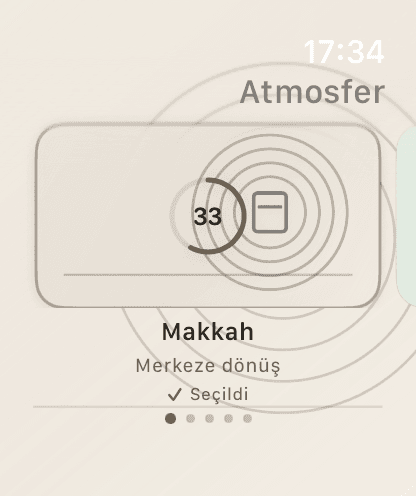
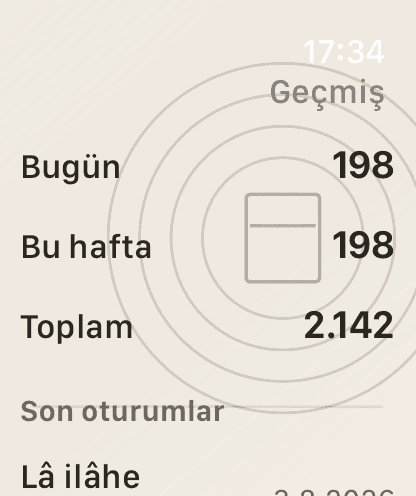
Count dhikr from your watch without looking at your phone. The watch keeps counting even when your phone isn't nearby; history moves to the phone once they reconnect.
Coming soonApp Store
Requirements
- Apple Watch with watchOS 26.5 or later
- A paired iPhone with Yaqin installed
Setup
- 1Install Yaqin on your iPhone.
- 2In the Watch app on your iPhone, find Yaqin and tap Install.
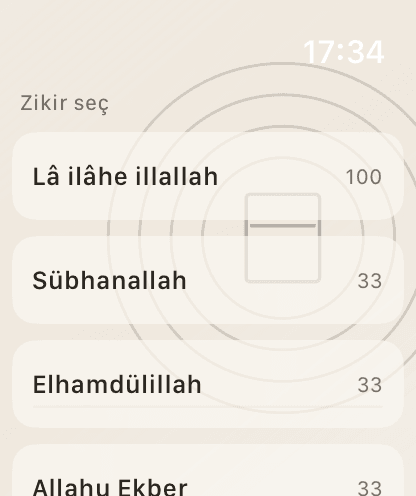
- 3Open Yaqin on your watch: pick a dhikr and count by tapping or turning the Crown.
- 4For quick access, edit your watch face and add the Yaqin complication.
Using it without looking
- You feel a short vibration with each count.
- A different vibration at 33, 66 and 99, and a distinct pattern when you reach your target.
- Choose the vibration level on your phone under Settings › Haptics; the watch uses the same level.
- Fix a miscount with Undo.
Wear OS
Coming soonYaqin for Wear OS watches is in development. It will bring the same calm experience, the same haptic feedback and sync with your Android phone.